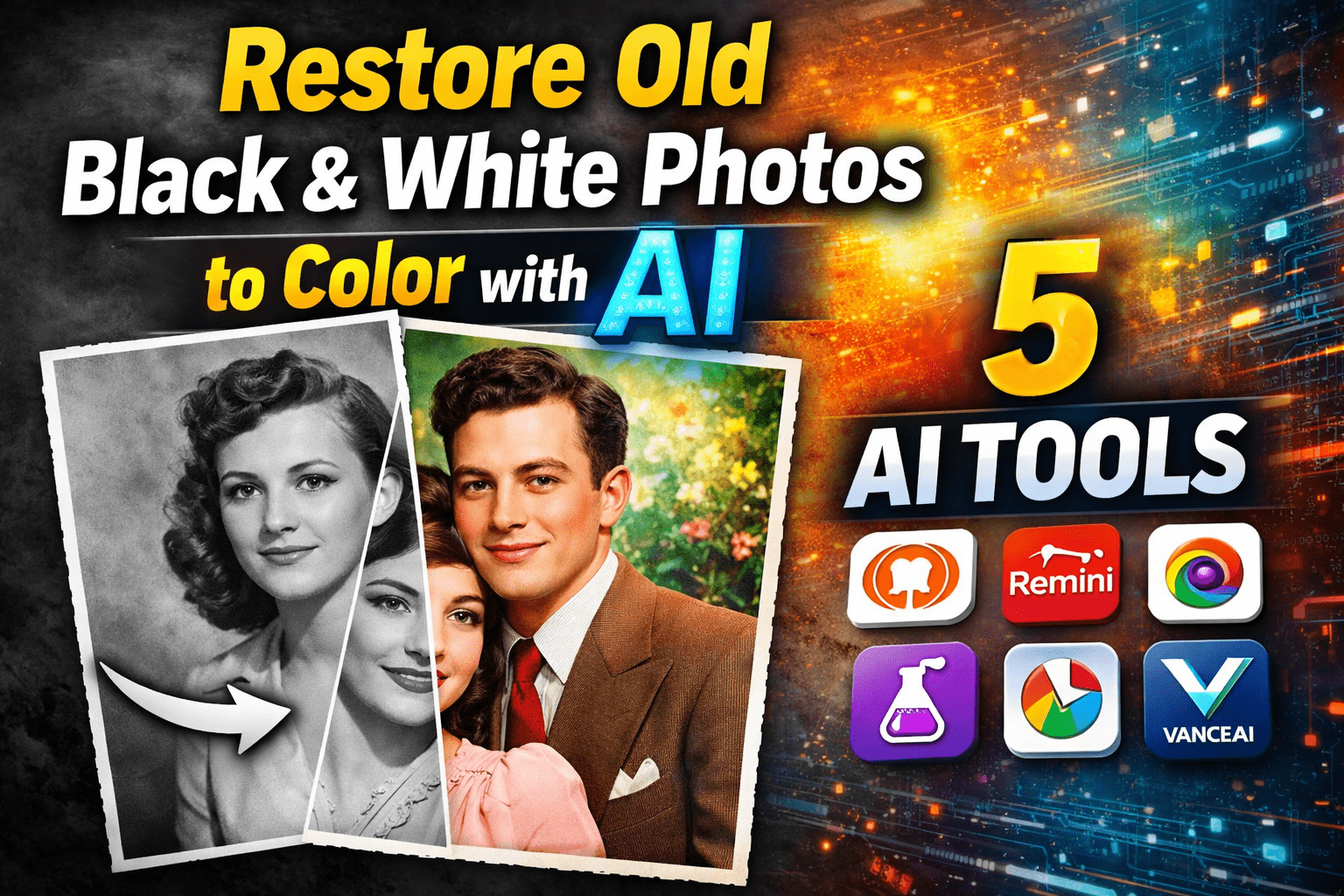
Old black and white photos are not just images; they are memories frozen in time. Whether it’s your grandparents’ wedding picture, a childhood photograph of your parents, or a historical family moment, these photos carry emotional value. With the help of modern Artificial Intelligence (AI), it is now possible to restore and colorize black and white photos realistically, without needing professional photo editing skills.
In this article, I will share my experience-based insights on how AI restores old black and white photos, what you should expect from these tools, and 5 reliable AI tools that actually work well. This guide is written to help beginners and non-technical users get the best results.
How AI Restores and Colorizes Old Photos
AI photo colorization tools use deep learning and neural networks trained on millions of real-world images. These systems analyze facial features, skin tones, clothing textures, background elements, and lighting to predict natural colors. Unlike manual Photoshop editing, AI completes the process automatically within seconds.
Most modern tools also fix:
- Faded colors
- Minor scratches
- Blur issues
- Low resolution quality
However, it’s important to understand that AI predicts colors, not retrieves original ones. That’s why results may vary slightly depending on the image quality.
My Real Experience with AI Photo Colorization
After testing multiple AI tools on old family photos, I noticed three important things:
- Clear faces give better results than heavily damaged photos
- AI performs best on portraits rather than complex backgrounds
- One-click tools are good, but advanced tools give more control
Based on these observations, I shortlisted the following tools that offer the best balance between realism, ease of use, and output quality.
1. MyHeritage In Color
Best for family and portrait photos
MyHeritage’s AI colorization tool is one of the most popular options, especially for restoring old family images. It is designed specifically for historical and ancestral photographs.
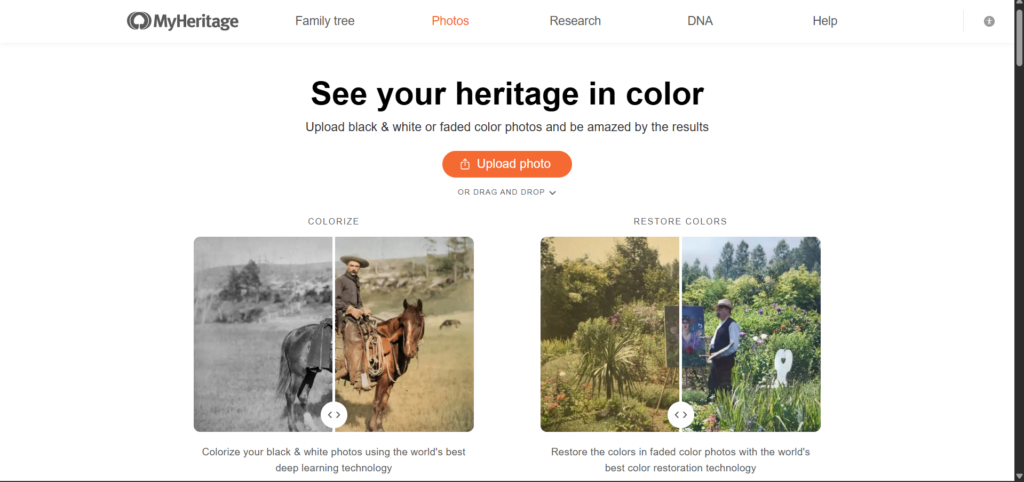
Key Features:
- Highly realistic skin tones
- Good face detection
- Works well on old portraits
- Simple one-click process
My Experience:
I tested it with a 1950s family photo, and the results were surprisingly natural. Skin tones looked realistic, and clothing colors were well balanced. The free version adds limitations, but the quality is excellent.
Best For:
Beginners and family photo restoration
2. Remini AI Photo Enhancer
Best for restoring clarity before colorization
Remini is widely known for photo enhancement rather than direct colorization, but its AI restoration features make old photos sharper and clearer before adding color.

Key Features:
- Face enhancement using AI
- Reduces blur and noise
- Improves resolution
- Works on mobile and web
My Experience:
When I used Remini before colorizing photos, the final result improved significantly. It enhanced facial details, which helped other AI tools apply colors more accurately.
Best For:
Fixing blurry or damaged black and white photos
3. Colourise.com
Best for fast and simple colorization
Colourise.com is a web-based AI tool focused only on colorization. It doesn’t require registration for basic usage.
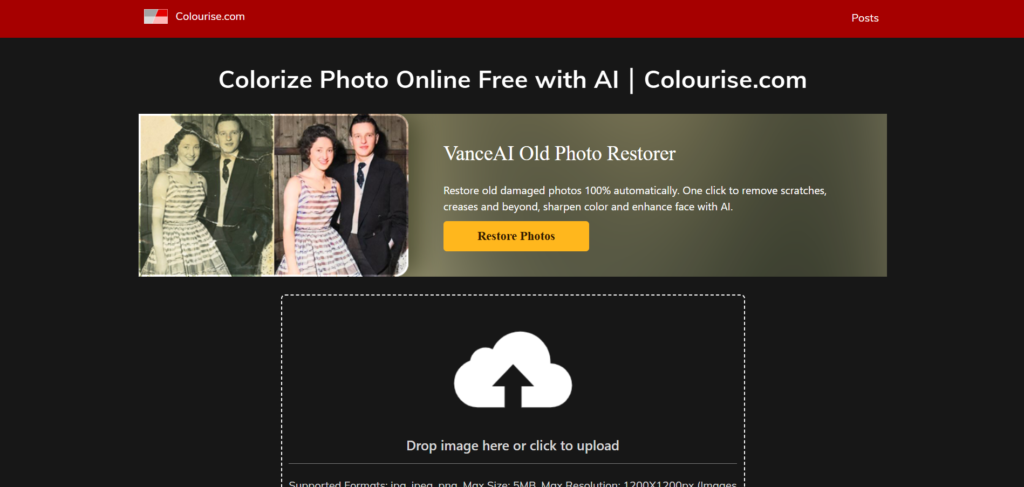
Key Features:
- Automatic colorization
- Simple interface
- Works quickly
- Supports old and new images
My Experience:
The results were decent for simple images. It handled backgrounds well but sometimes struggled with complex clothing colors. Still, it’s a good tool for quick restoration.
Best For:
Quick AI colorization without advanced editing
4. Hotpot AI Colorizer
Best for creative restoration
Hotpot AI offers multiple image tools, including black and white photo colorization. It is useful if you want both restoration and creativity.
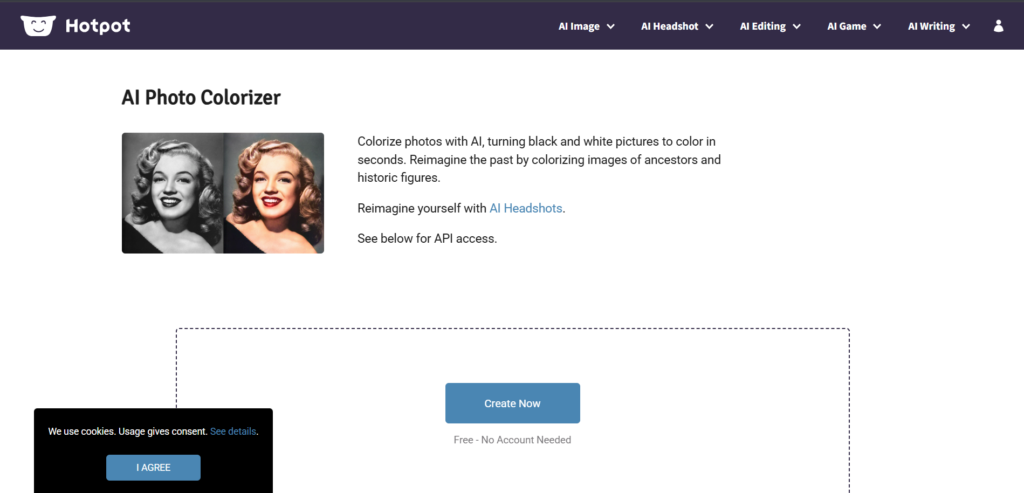
Key Features:
- Colorize black and white photos
- Basic restoration options
- Online tool with no installation
- Free and paid versions
My Experience:
Hotpot produced slightly artistic results rather than purely realistic ones. It’s good for casual use and social media sharing but may not always match historical accuracy.
Best For:
Creative photo restoration and casual users
5. VanceAI Photo Restorer
Best for professional-level restoration
VanceAI combines restoration, enhancement, and colorization in one platform. It uses advanced AI models trained for damaged and old photos.
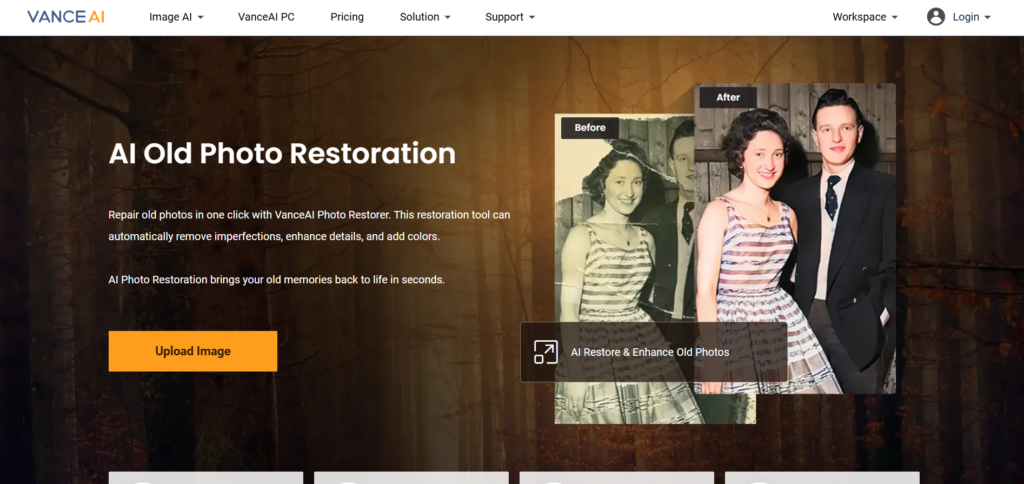
Key Features:
- Scratch removal
- Noise reduction
- AI colorization
- High-resolution output
My Experience:
This tool gave the most professional-looking results among all. It restored details and colors accurately, but the free version has export limits.
Best For:
High-quality restoration and professional results
Tips to Get Better AI Colorization Results
To achieve the best output from any AI tool:
- Use high-resolution scans if possible
- Crop unnecessary borders
- Enhance clarity before colorizing
- Avoid heavily damaged images without restoration
- Test more than one tool for comparison
Final Thoughts
AI has made it incredibly easy to restore and colorize old black and white photos, bringing forgotten memories back to life. While no AI tool can perfectly recreate original colors, modern technology comes impressively close. From simple one-click tools to advanced restoration platforms, there’s an option for every user.
If you’re restoring personal family photos, start with MyHeritage or Colourise. For professional-quality results, VanceAI is worth trying. Combining enhancement tools like Remini with colorization gives even better results.
With the right approach and tools, AI photo restoration is no longer complicated or expensive. It’s accessible, fast, and emotionally rewarding.
One thought on “Restore Old Black & White Photos to Color with AI | 5 AI Tools”