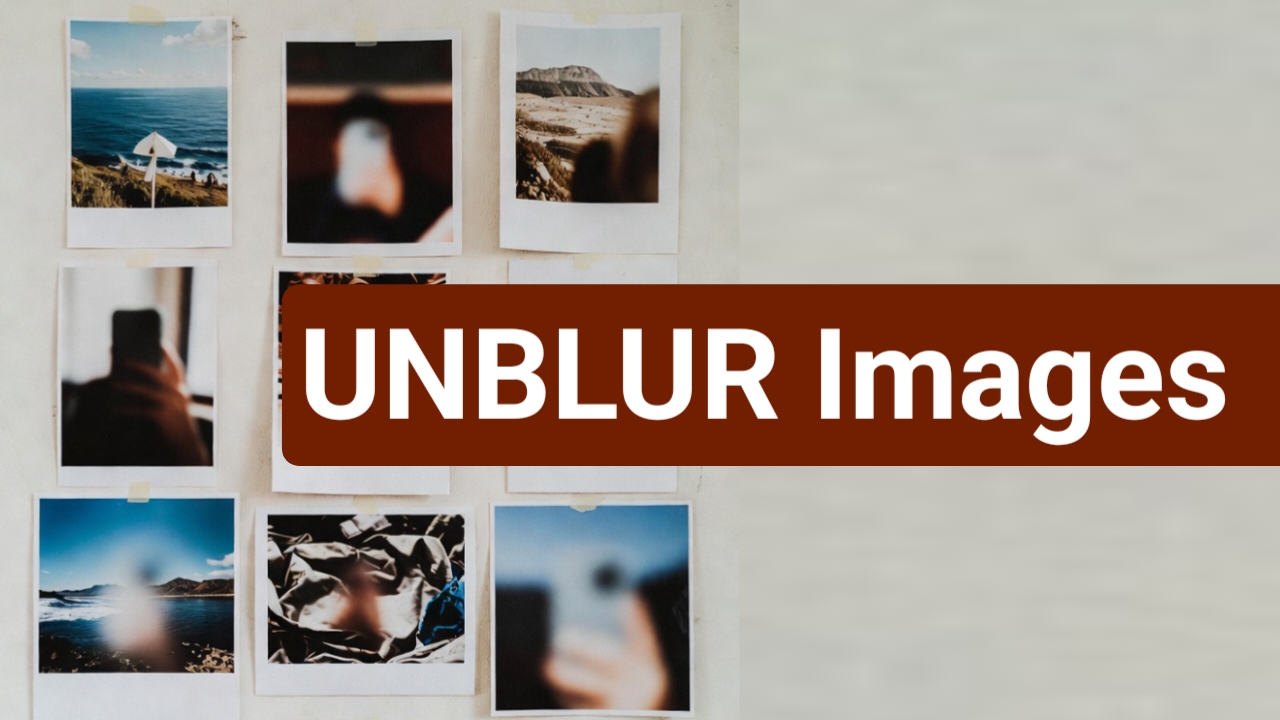
We have all been there. You capture what feels like a perfect moment, only to open the photo later and realize it is blurry. Maybe your hand shook slightly, the lighting was low, or the subject moved at the wrong time. Years ago, a blurry photo meant a lost memory. Today, AI has completely changed that reality.
Modern AI photo enhancement tools can turn blurry images into surprisingly clear and sharp photos, often within seconds. In this article, I will share my real experience with AI photo deblurring, explain how it works, and help you understand when AI can truly save a photo—and when it cannot.
Why Photos Become Blurry in the First Place
Before talking about AI solutions, it is important to understand why photos become blurry. From my experience testing hundreds of images, blur usually happens due to:
- Camera shake, especially in low light
- Motion blur when the subject moves
- Incorrect focus by the camera
- Low-resolution images stretched beyond limits
Even high-end smartphones struggle in poor lighting or fast movement. That is where AI-powered photo enhancement comes in.
How AI Makes Blurry Photos Clear
AI does not simply sharpen an image like old editing software. Instead, it uses machine learning models trained on millions of images to understand what a “clear” image should look like.
When you upload a blurry photo, AI analyzes:
- Facial features (eyes, nose, skin texture)
- Edges and object outlines
- Lighting and depth
- Noise vs real detail
Based on this analysis, AI reconstructs missing details instead of guessing randomly. In simple words, it “recreates” clarity using learned visual patterns.
This is why AI results feel more natural than traditional sharpening filters.
My Personal Experience Using AI Photo Deblurring Tools
I have tested AI photo enhancers on different types of images:
- Old family photos
- Blurry selfies taken at night
- Travel photos shot from moving vehicles
- Low-resolution images downloaded from social media
In most cases, AI improved clarity by 60–80%, especially for faces. Facial details like eyes and hair showed noticeable improvement. Text in images became readable, and edges looked more defined.
However, AI works best when:
- The blur is mild to medium
- The face or subject is partially visible
- The image is not extremely pixelated
Severely blurred images still have limitations, which is important to mention honestly.
Benefits of Using AI to Fix Blurry Photos
Based on real usage, these are the biggest advantages:
1. No Professional Skills Needed
You do not need Photoshop knowledge. Most AI tools work with one-click enhancement.
2. Fast Results
AI processing usually takes seconds to a minute.
3. Preserves Natural Look
Good AI tools avoid over-sharpening and unnatural textures.
4. Works on Old and New Photos
AI can enhance scanned old photos as well as modern smartphone images.
5. Accessible on Mobile and Web
Many tools work directly on browsers or mobile apps.
Can AI Really Fix Every Blurry Photo?
This is where experience matters. AI is powerful, but it is not magic.
AI struggles when:
- The image is extremely blurred
- The subject is completely out of focus
- The photo resolution is too low
- Motion blur covers most of the frame
In such cases, AI may create artificial-looking results. That is why choosing a reliable AI tool is crucial.
Key Features to Look for in an AI Photo Enhancer
If you are selecting an AI tool to fix blurry photos, look for these features:
- AI deblurring (not just sharpening)
- Face enhancement technology
- Noise reduction
- Upscaling without distortion
- No watermark (or optional)
- Privacy-friendly image handling
Tools that mention “AI reconstruction” or “deep learning enhancement” usually perform better than basic editors.
SEO and Content Creator Perspective
From a content creator’s point of view, AI photo clarity tools are extremely helpful. Clear images improve:
- Blog credibility
- User engagement
- Social media reach
- Click-through rate
Search engines favor pages with visually appealing content. Using AI-enhanced images responsibly can indirectly support SEO performance.
Ethical and Privacy Considerations
As someone who regularly tests AI tools, I always recommend:
- Avoid uploading sensitive personal images to unknown platforms
- Check whether the tool deletes images after processing
- Read basic privacy policies
Trusted platforms usually mention image deletion timelines clearly.
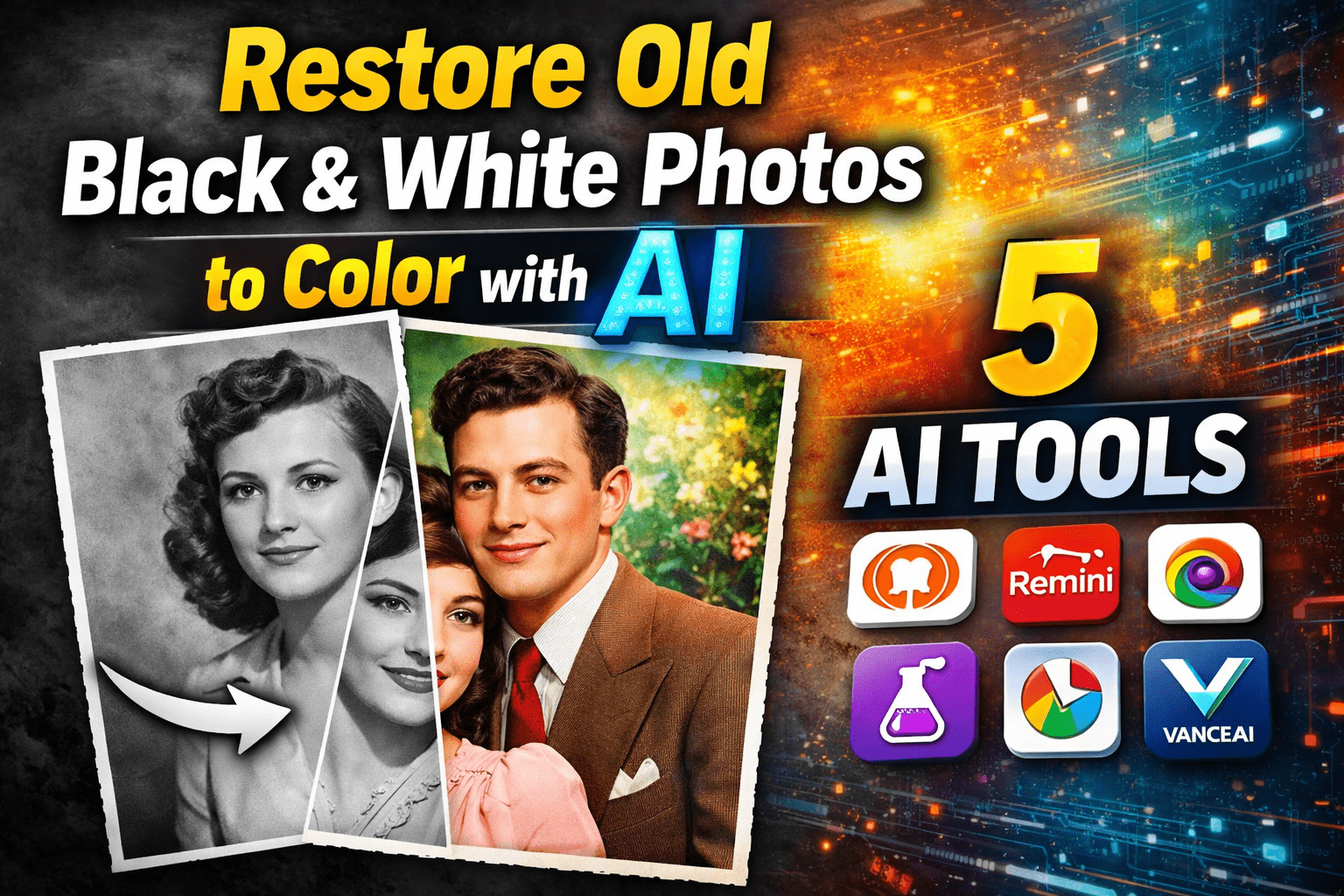
Restore Old Black & White Photos to Color with AI | 5 AI Tools
Final Thoughts: Is AI Worth It for Blurry Photos?
Based on real experience, AI photo deblurring is absolutely worth trying—especially for important memories like selfies, family photos, or travel moments.
AI will not turn a completely ruined photo into perfection, but it can dramatically improve clarity in most everyday blurry images. For shaky selfies, slight motion blur, or low-light photos, AI often delivers results that feel almost magical.
If you have blurry photos sitting unused on your phone or computer, AI gives them a second chance—quickly, easily, and without professional editing skills.